Fresh QC lookups
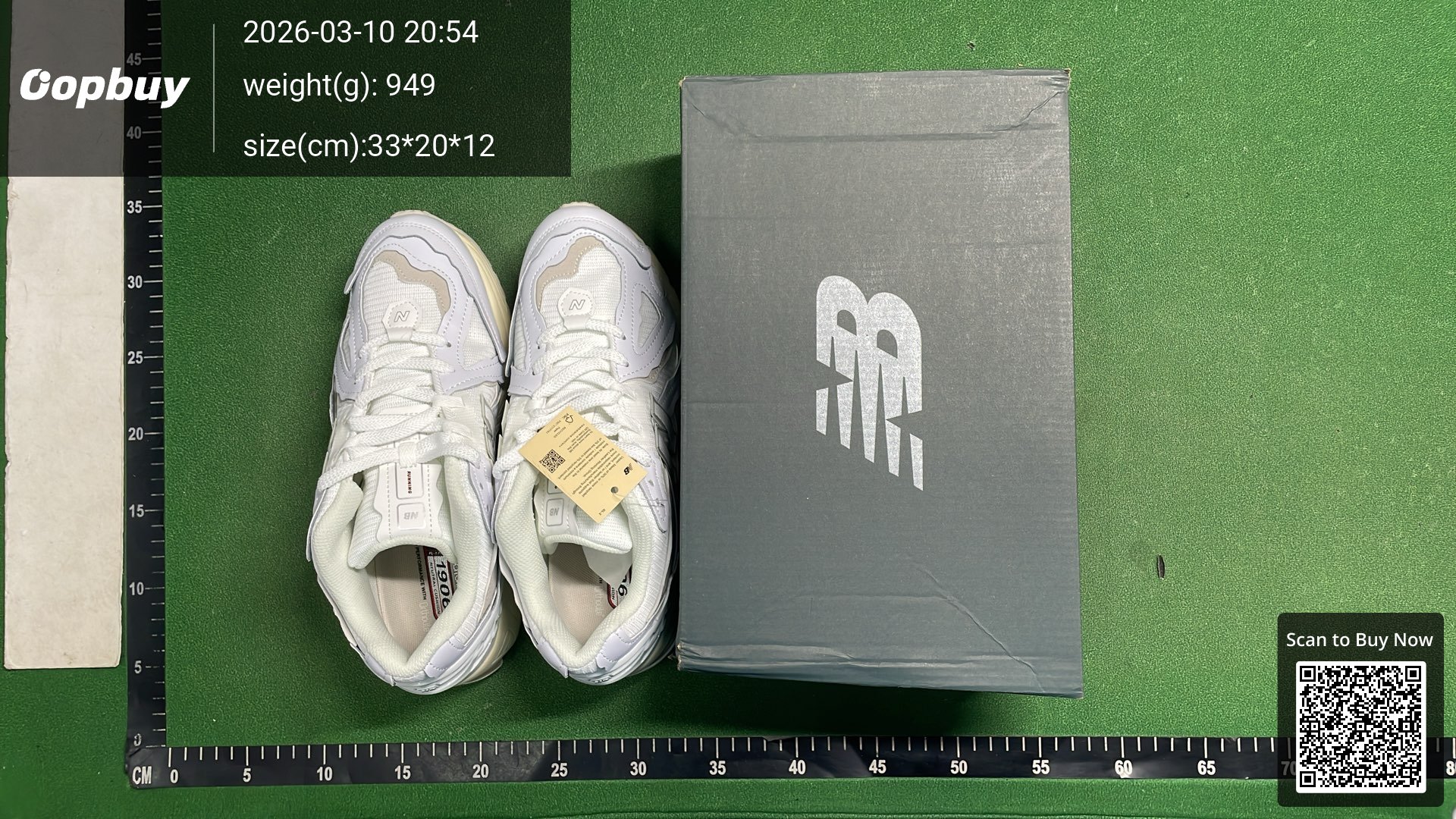
Co-branded daddy shoes NB2002R women’s shoes
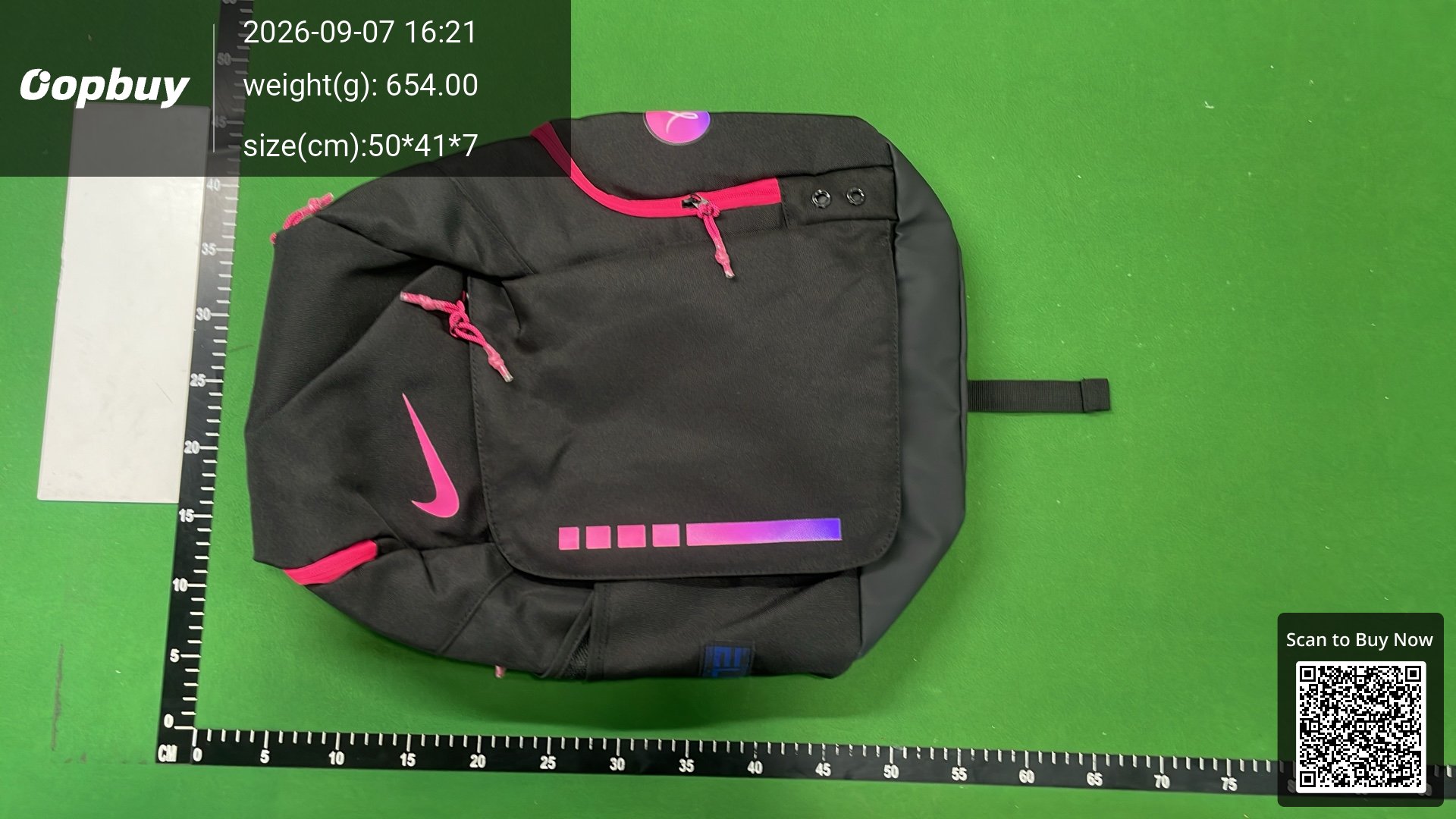
New air cushion backpack, large capacity basketball bag, training bag, sports bag, travel bag
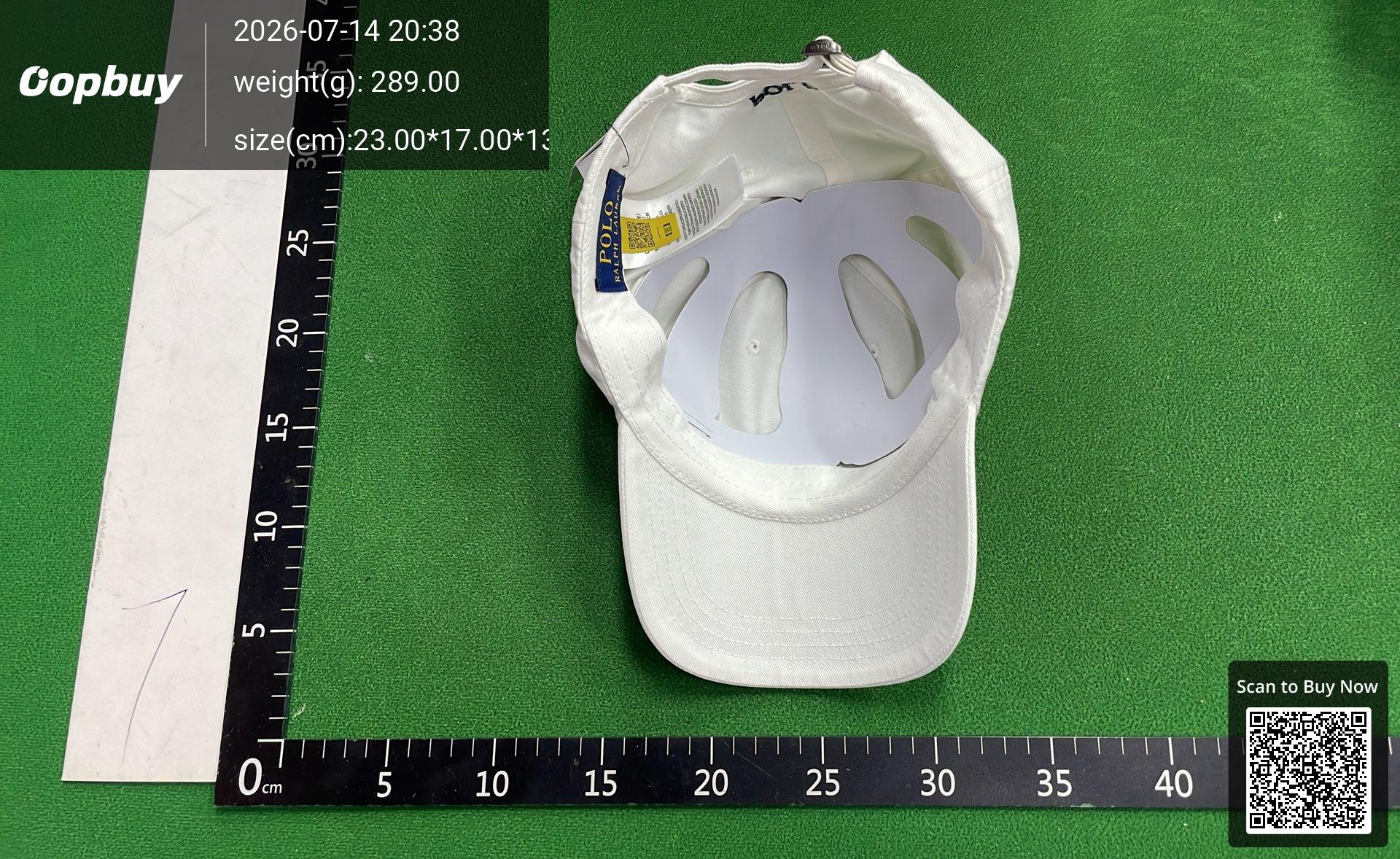
[DX19-2] Fashionable and versatile cap
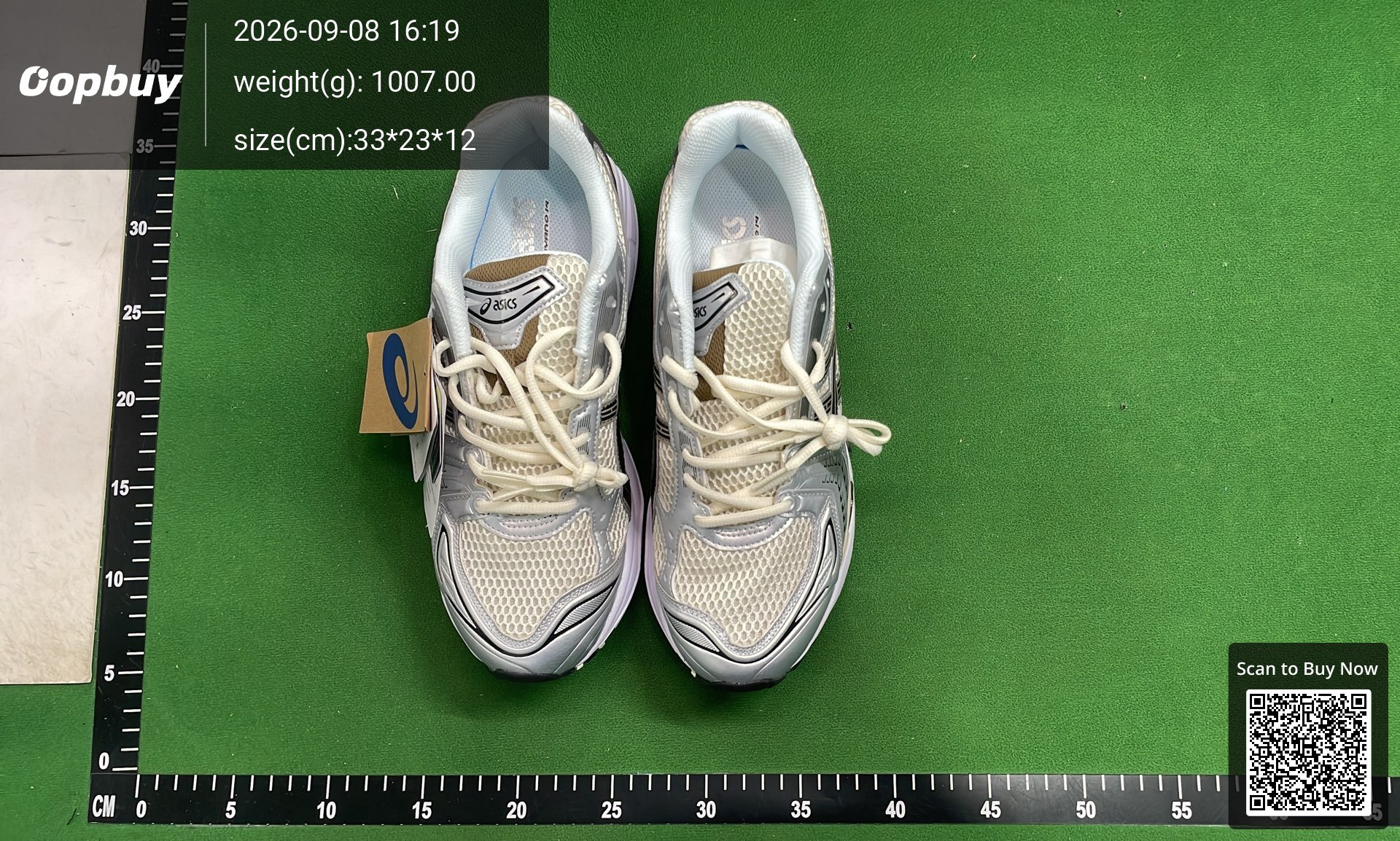
a/s/i/c/SK-14
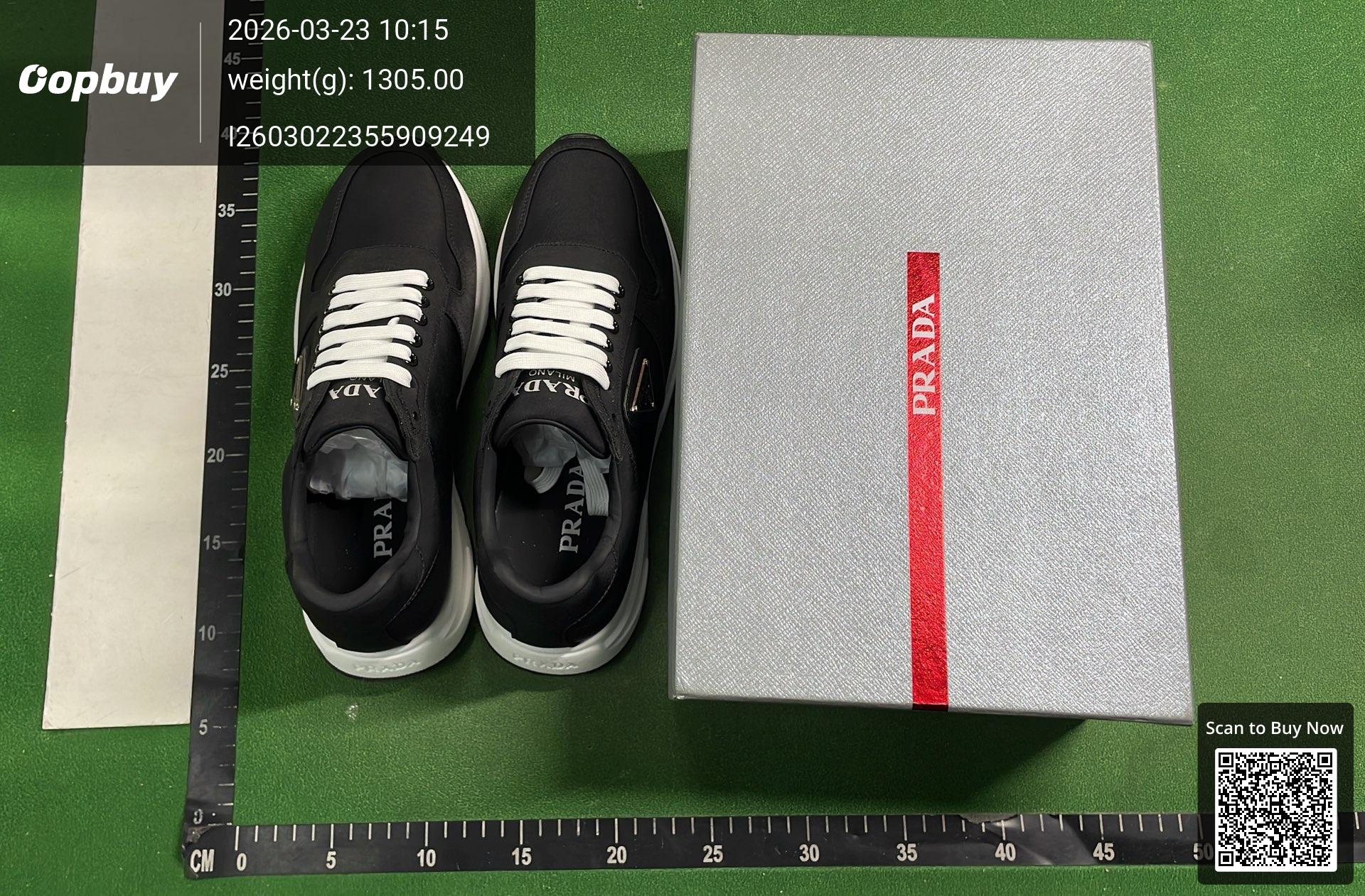
Sneakers, lace-up, running, men’s new thick bottom, casual shoes, breathable, versatile, stylish
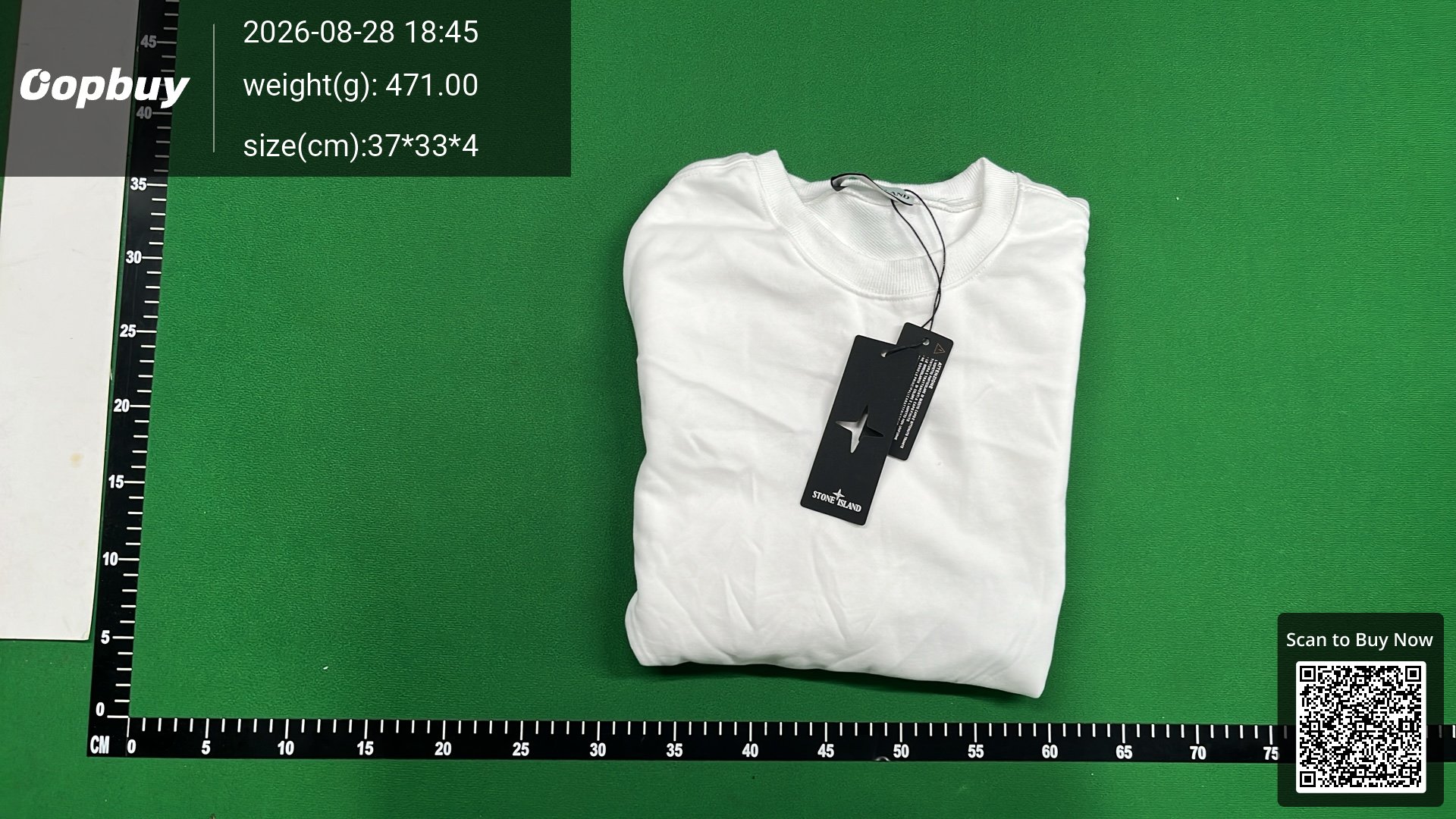
STD Long Sleeve Enter my store, View more 1000+ items
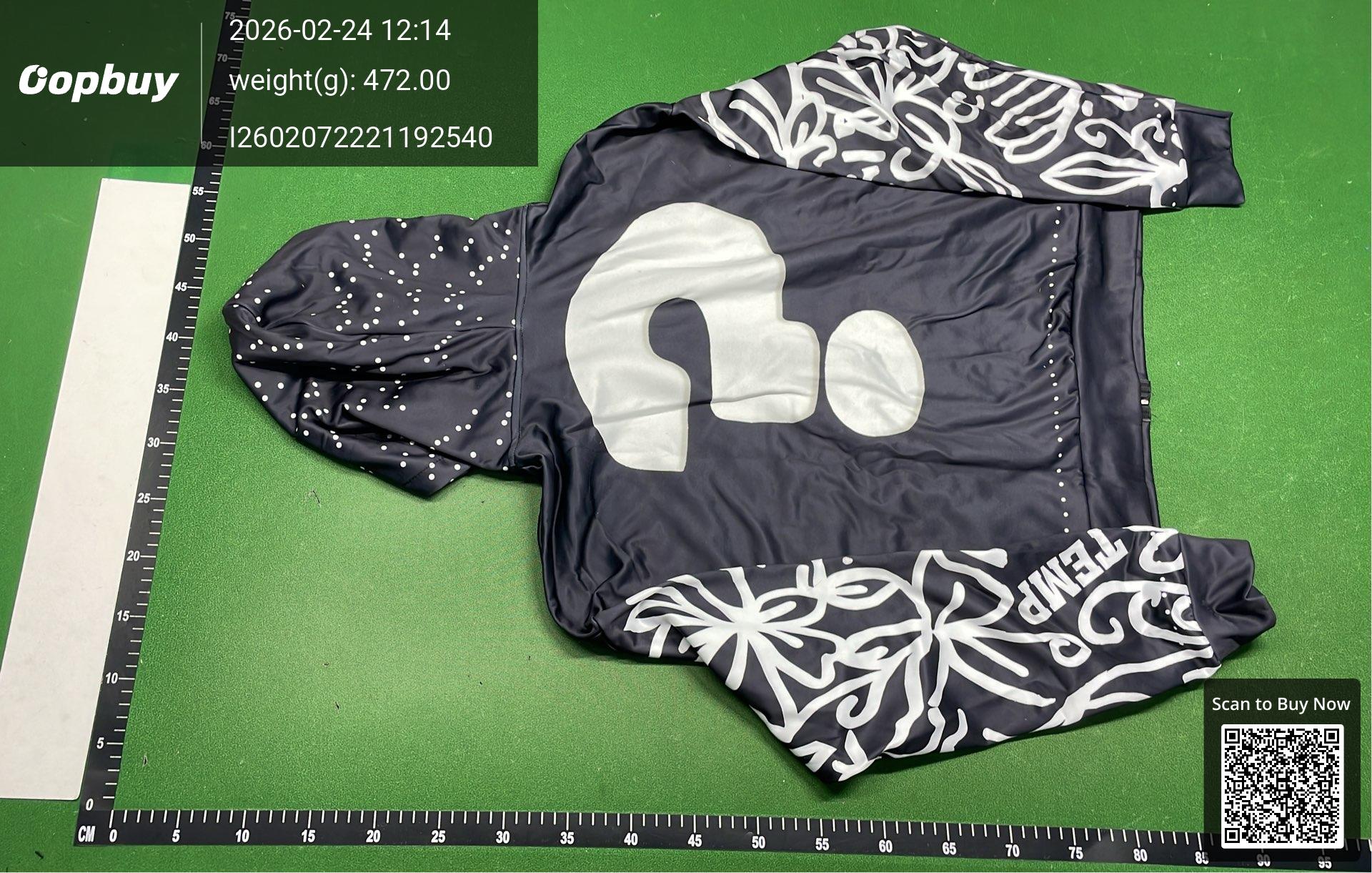
American Letter Foam Print Street Trend Y2K Destroyed Hoodie Loose Pullover Hoodie
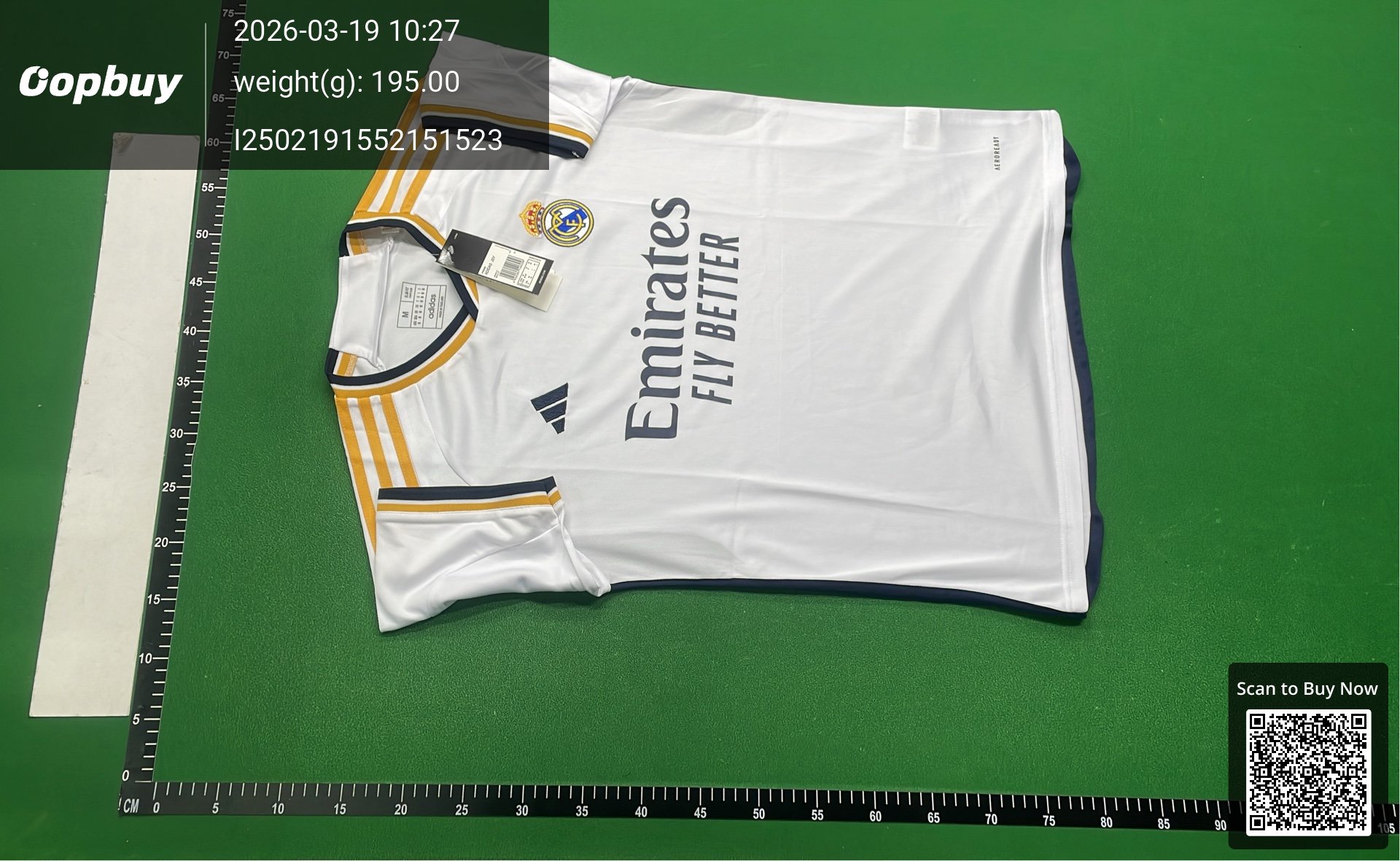
CLUB football uniform suit
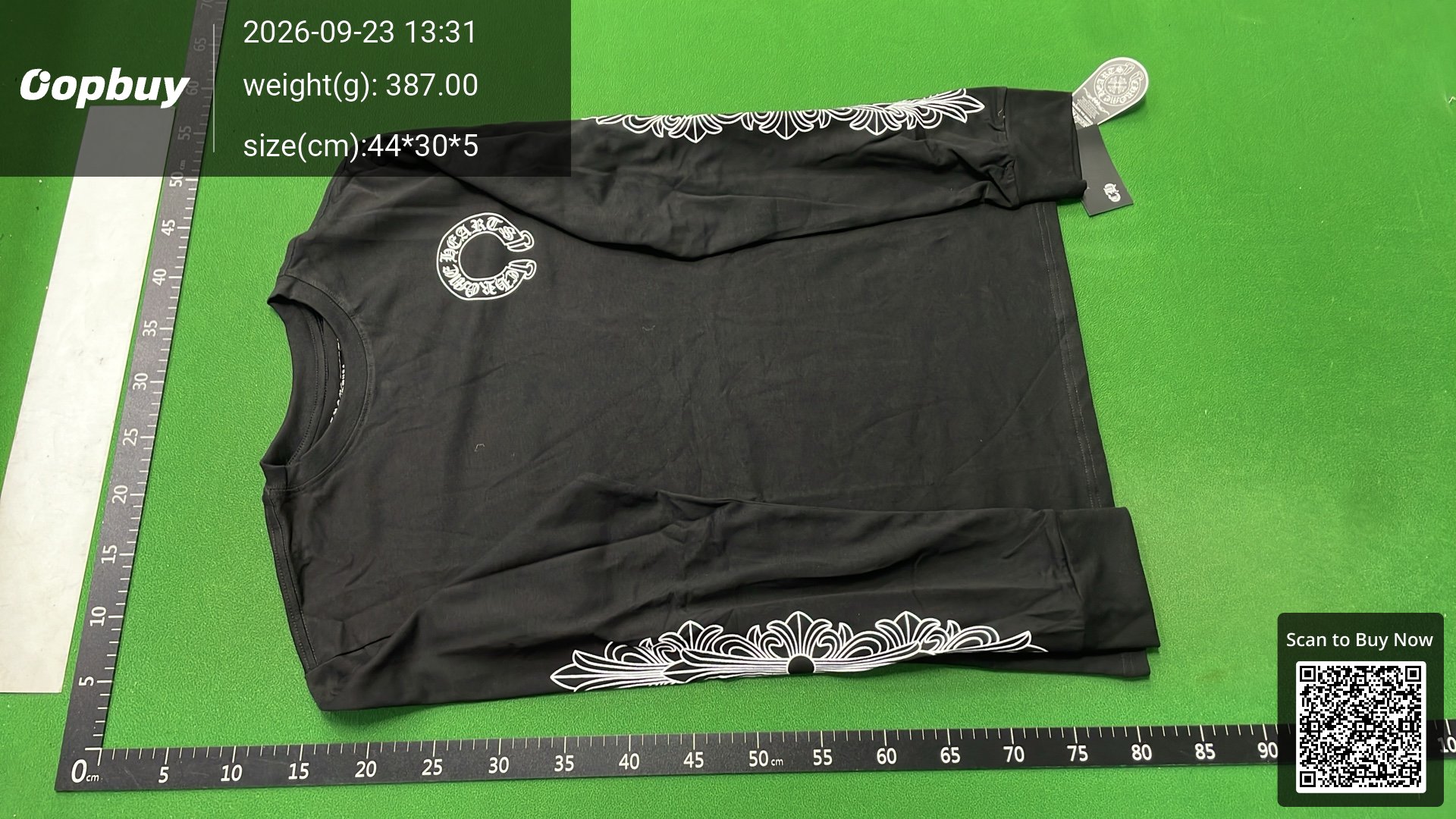
[DX29-6] casual loose and versatile long-sleeved cotton for men and women
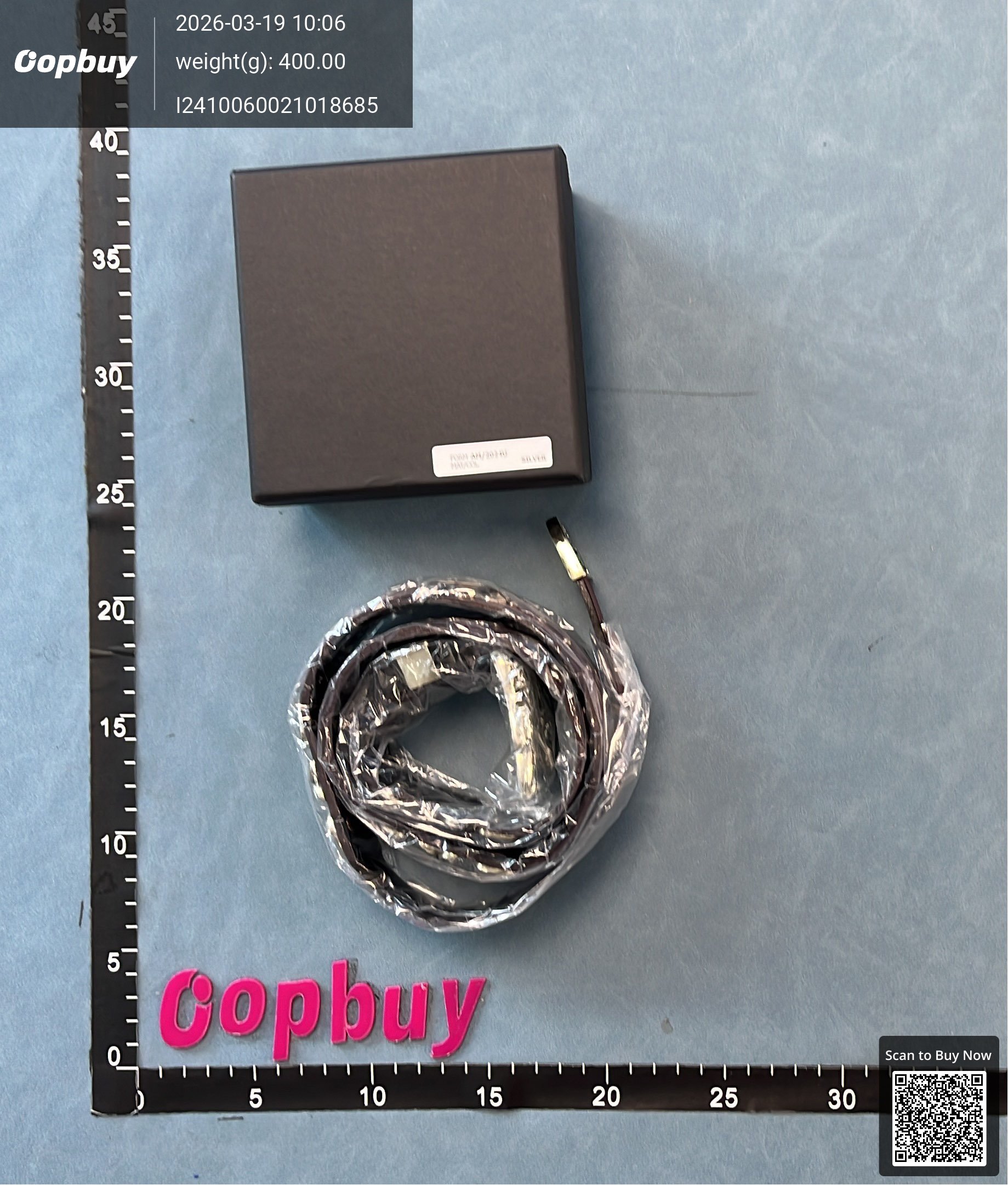
ERD style autonomous belt high street bat jewelry rock top layer cowhide belt with pin buckle autonomous American style
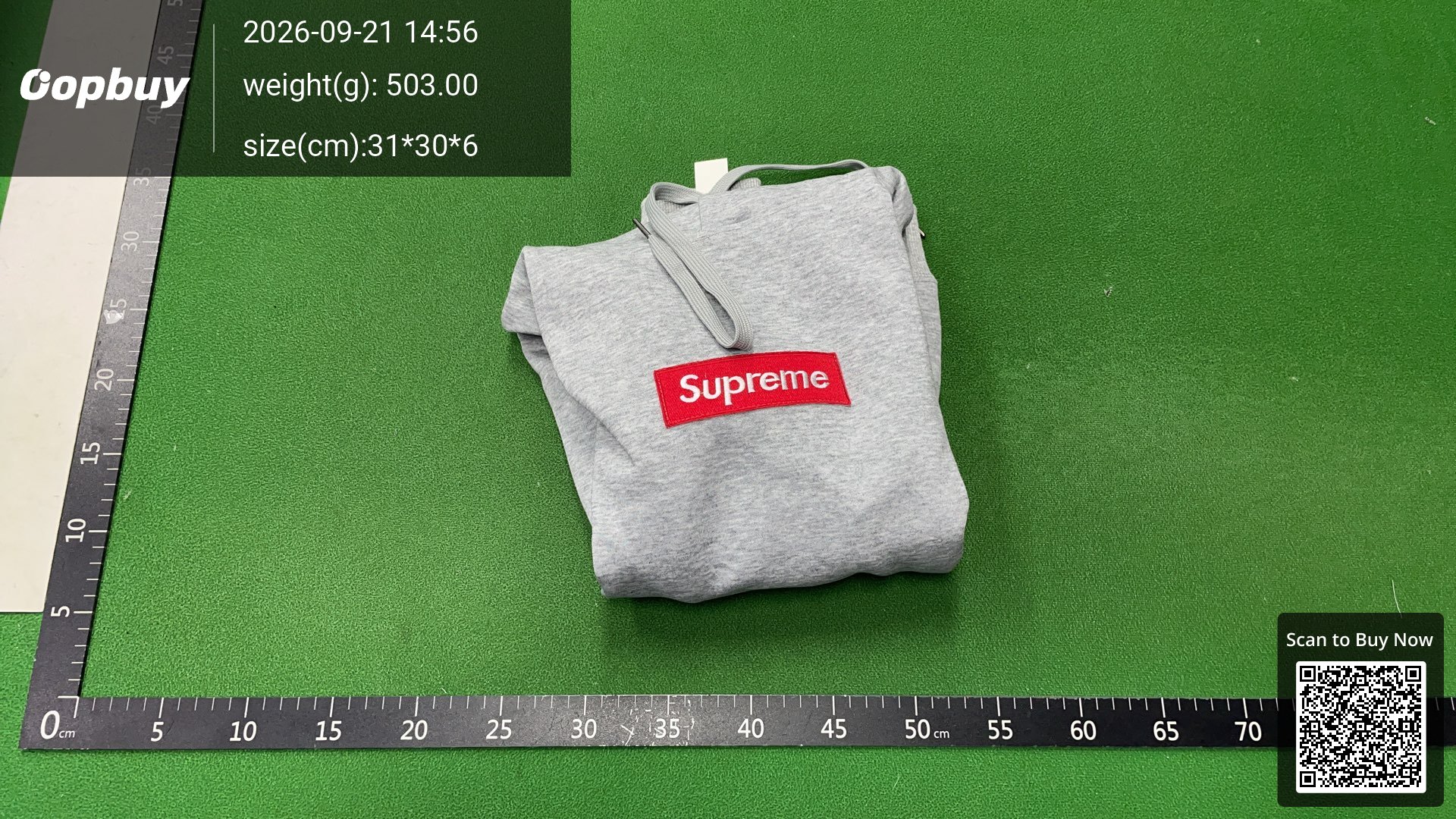
Trendy Sophomie sweatshirt RAR-enter store, more 500+ items
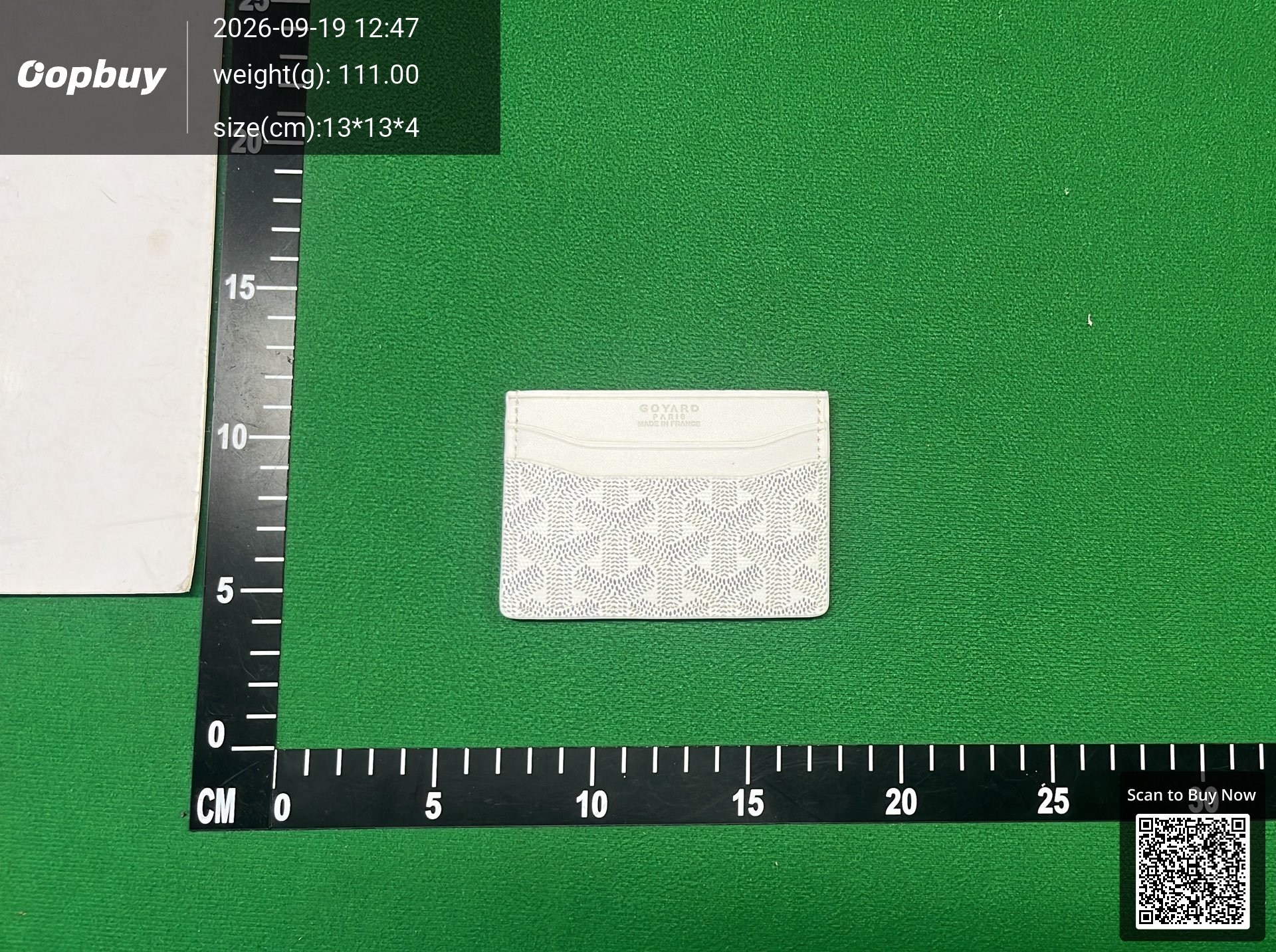
[CN Buy] Batch -Oop Lightning Deals Exclusive
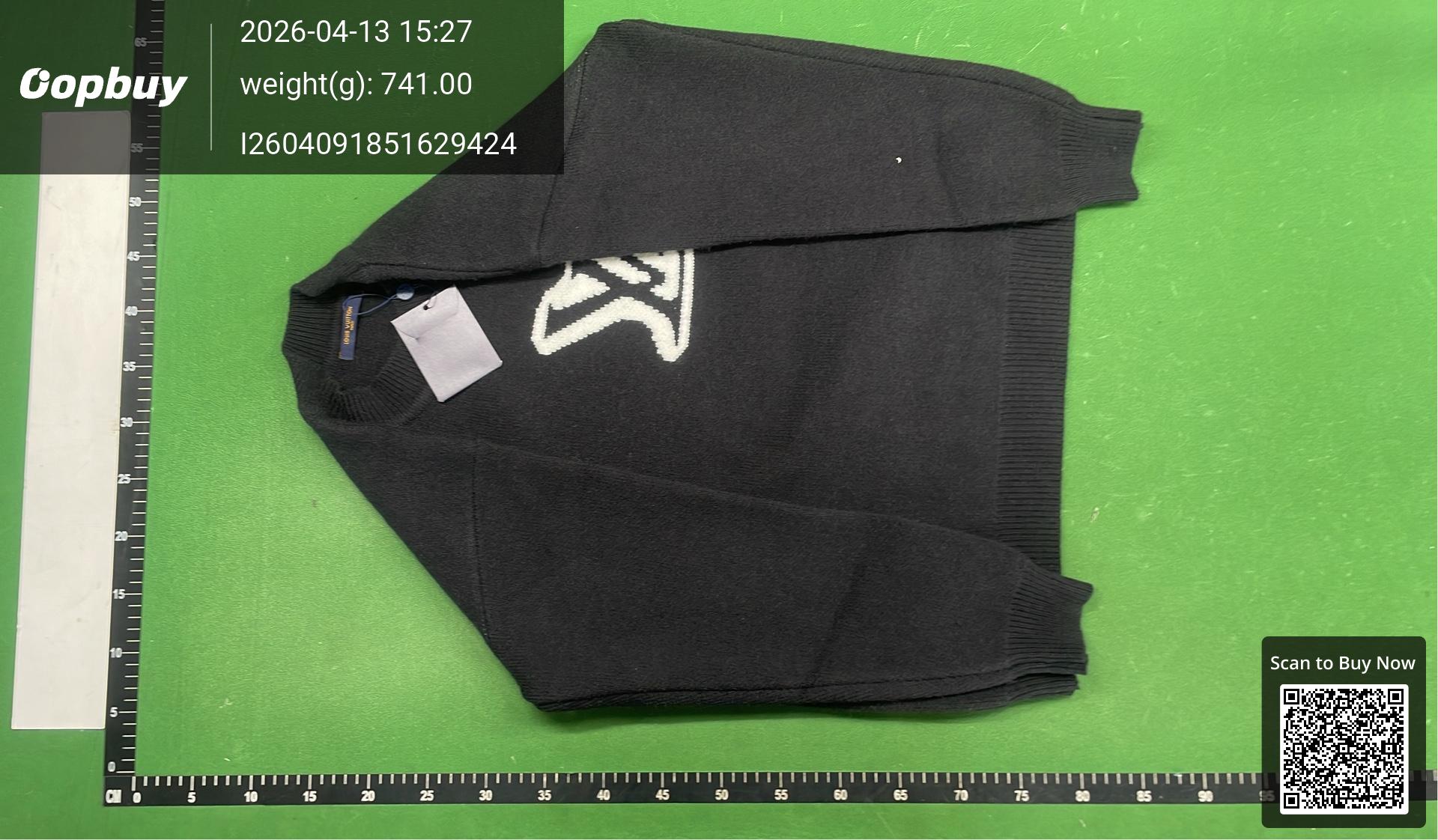
🉐 Added (khaki, red) 6-color jacquard big logo oversized thick pullover sweater ice silk short sleeve 023
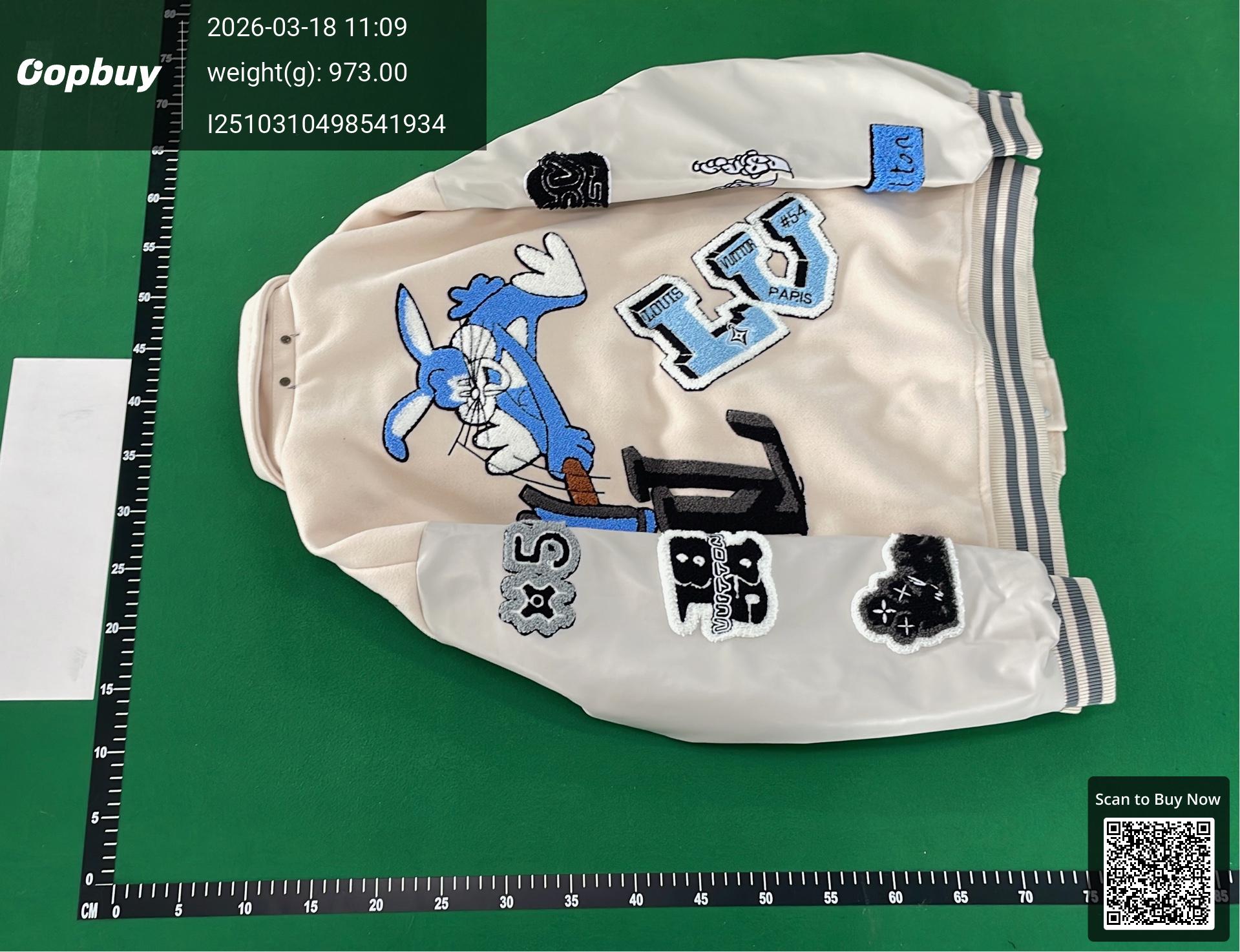
FW22 秋冬单品 多色款合集系列 老花 兔八哥 绿野仙踪 字母 拼色 拼接 pu合成皮 皮质 皮袖 毛巾绣花 棒球服 毛呢 棒球夹克外套 ct
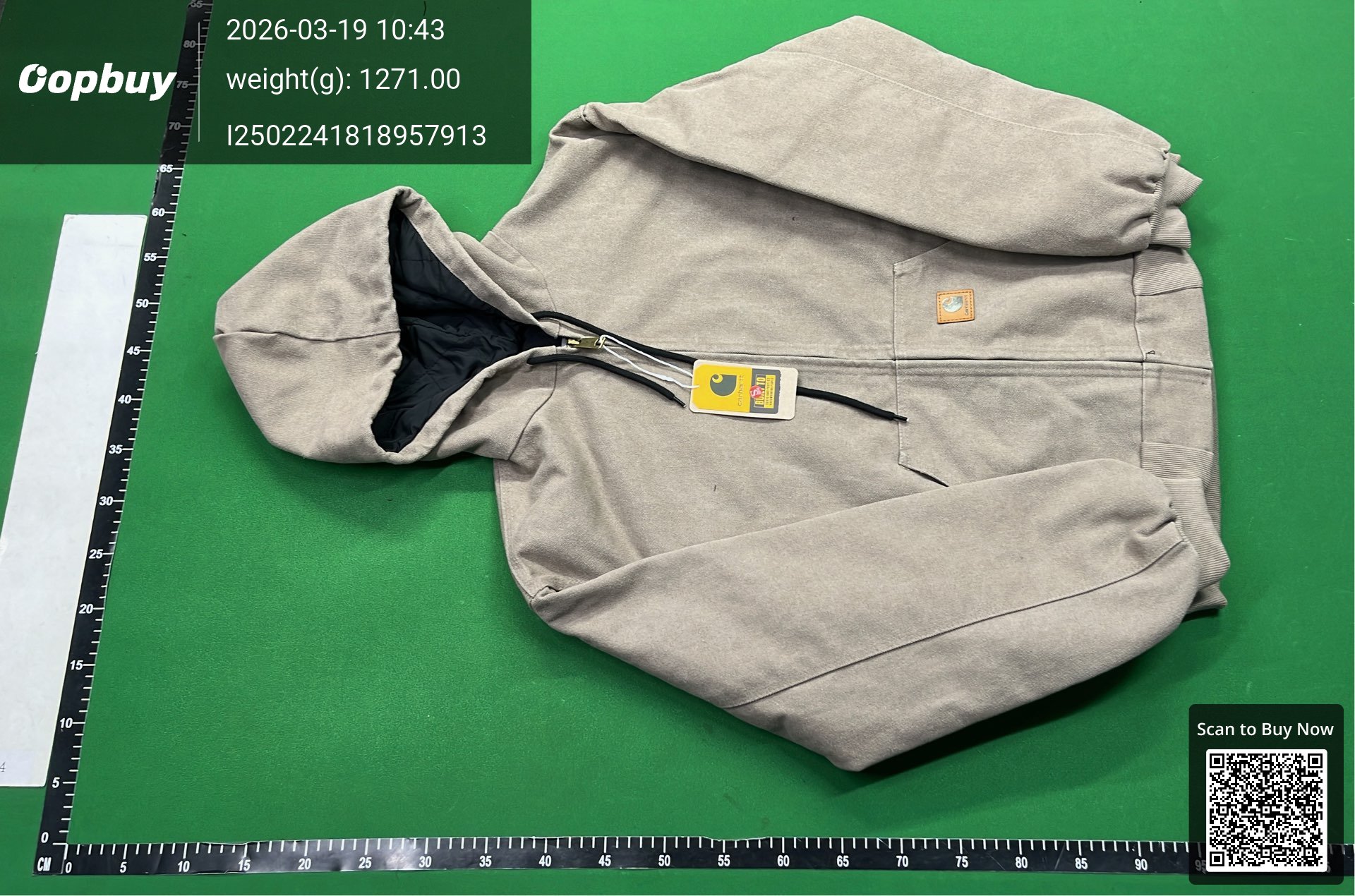
C时尚外套
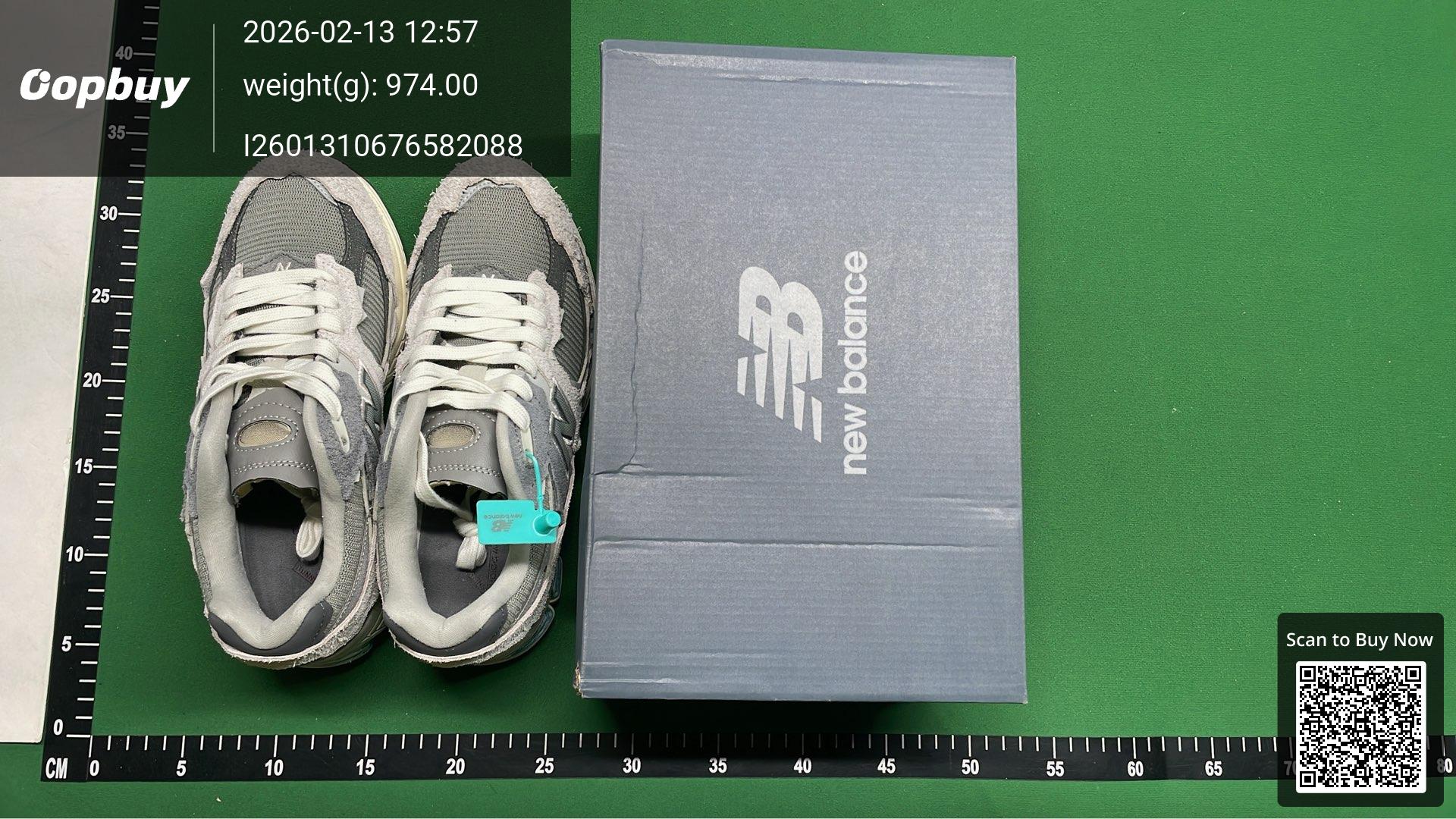
M2002R
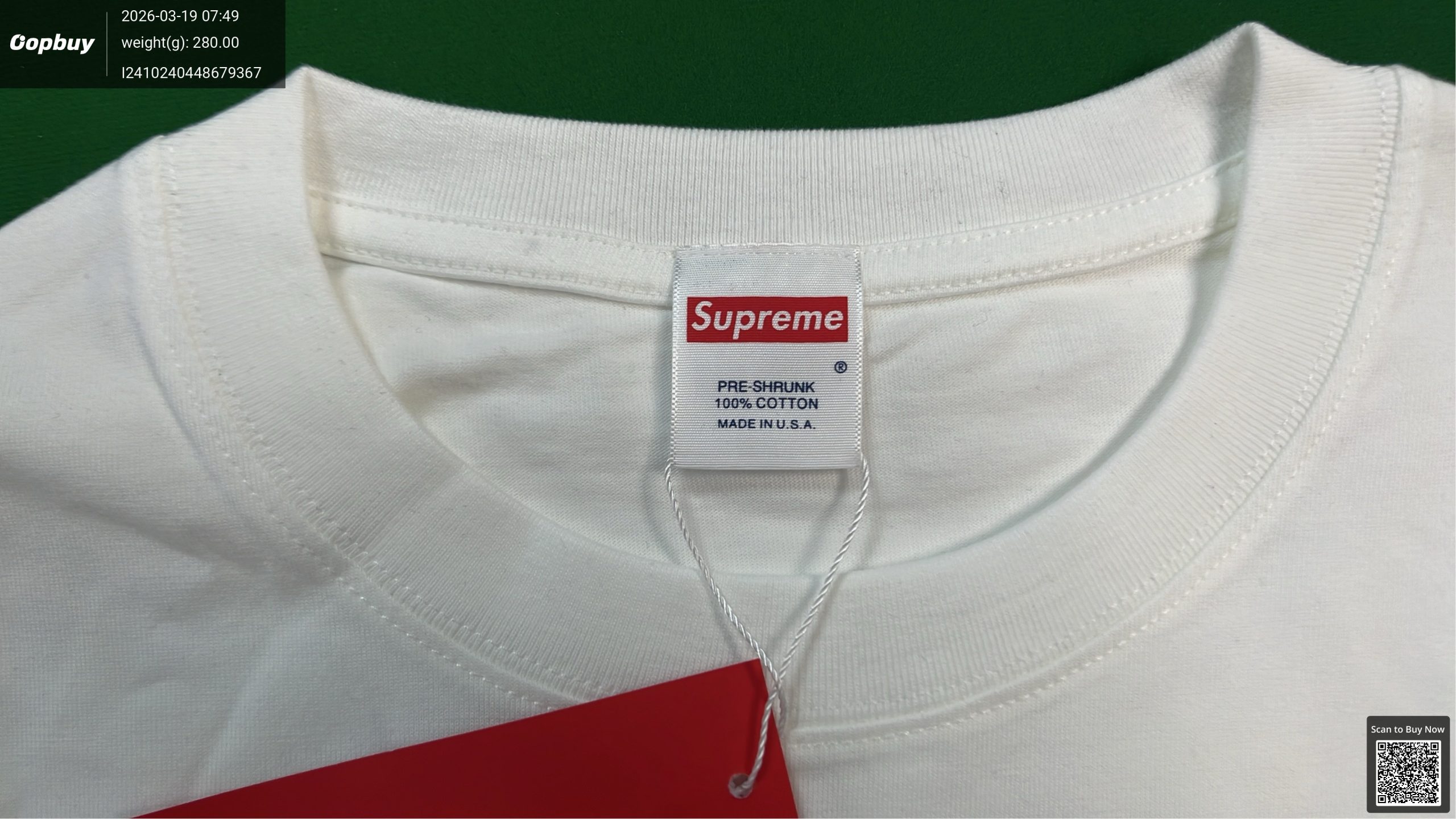
SUP*me T-shirt American fashion
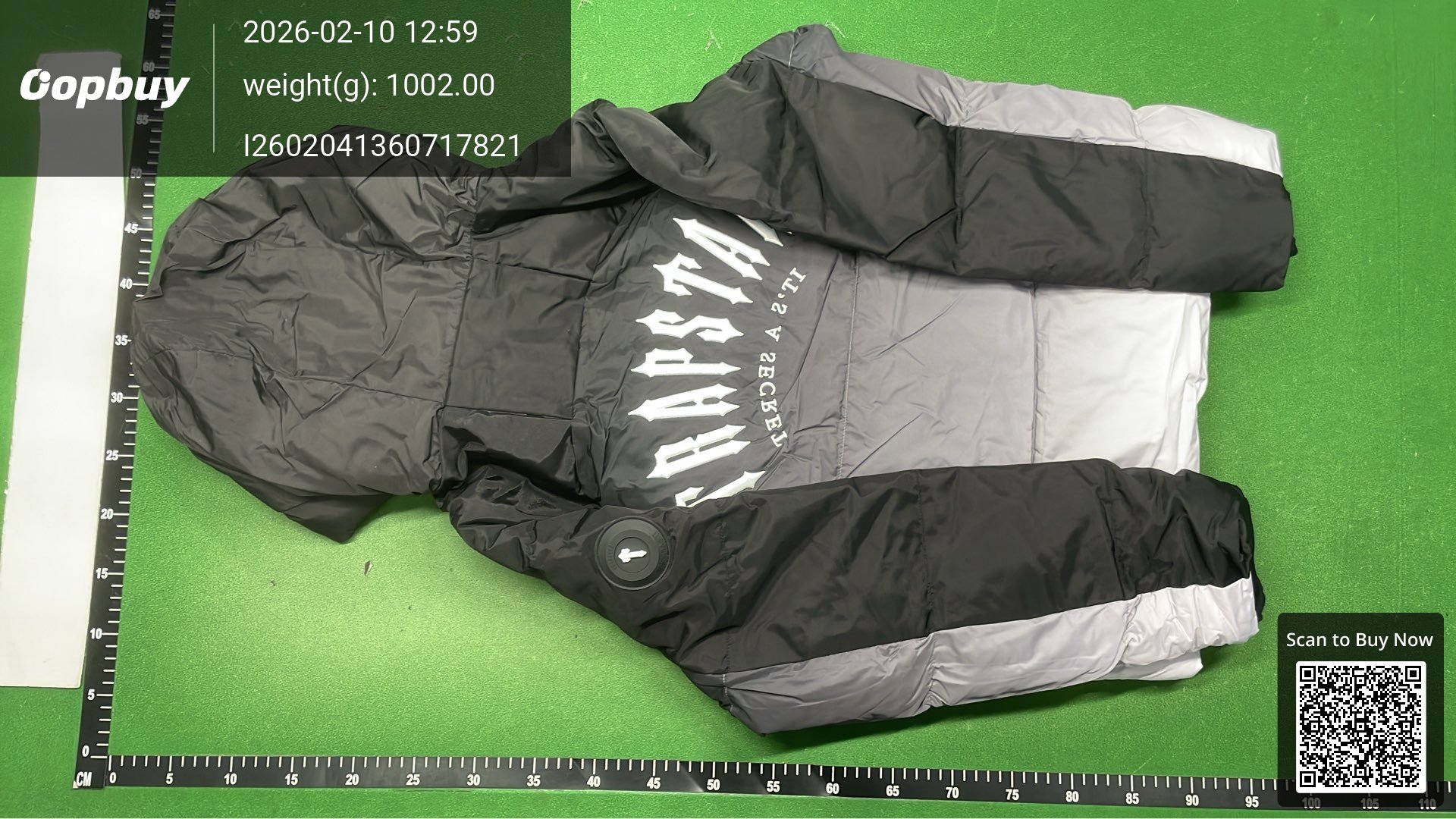
解码拱形河豚夹克
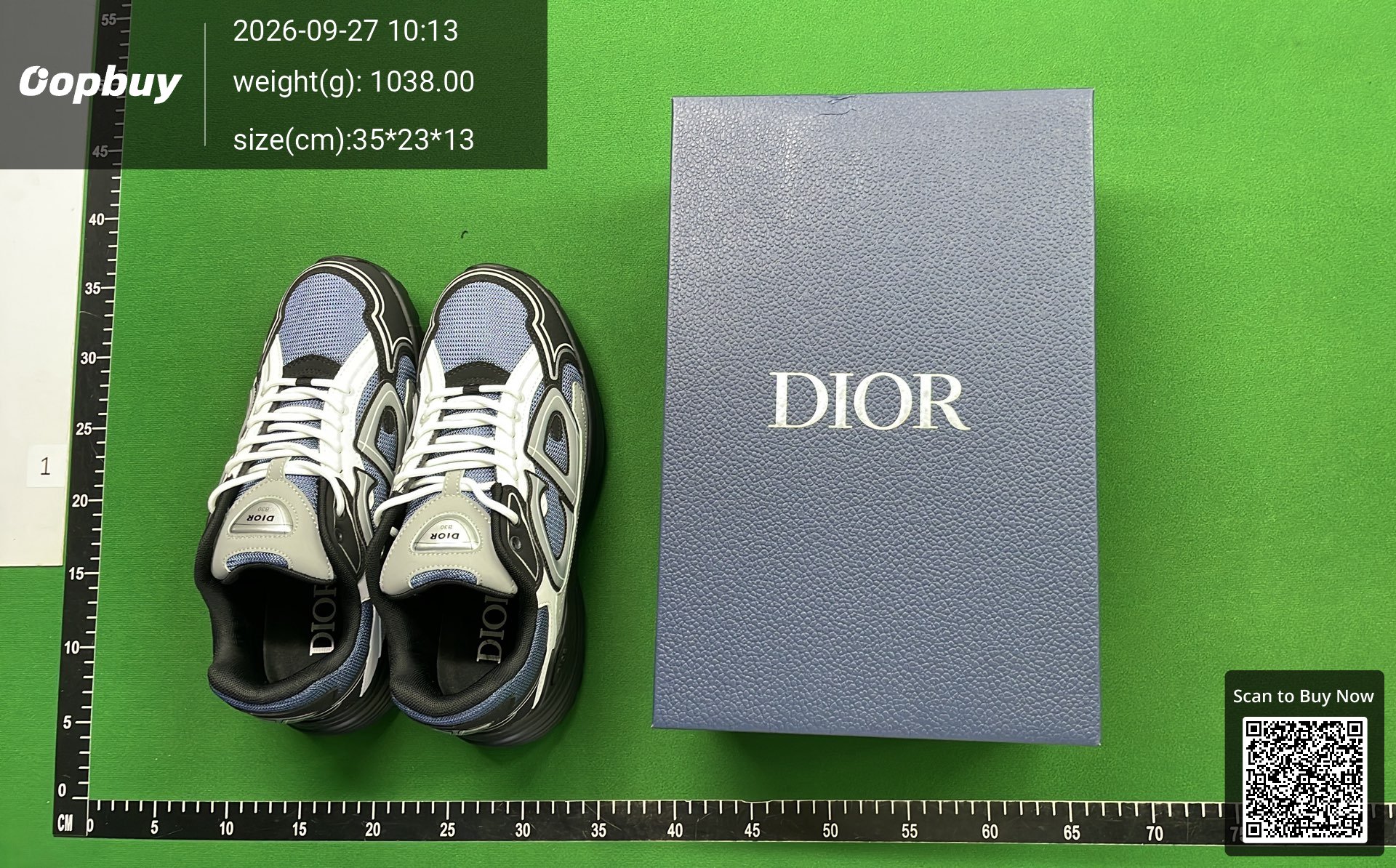
Guangdong Dachang produces Dior B30 Dior mesh fabric low-top sports casual shoes
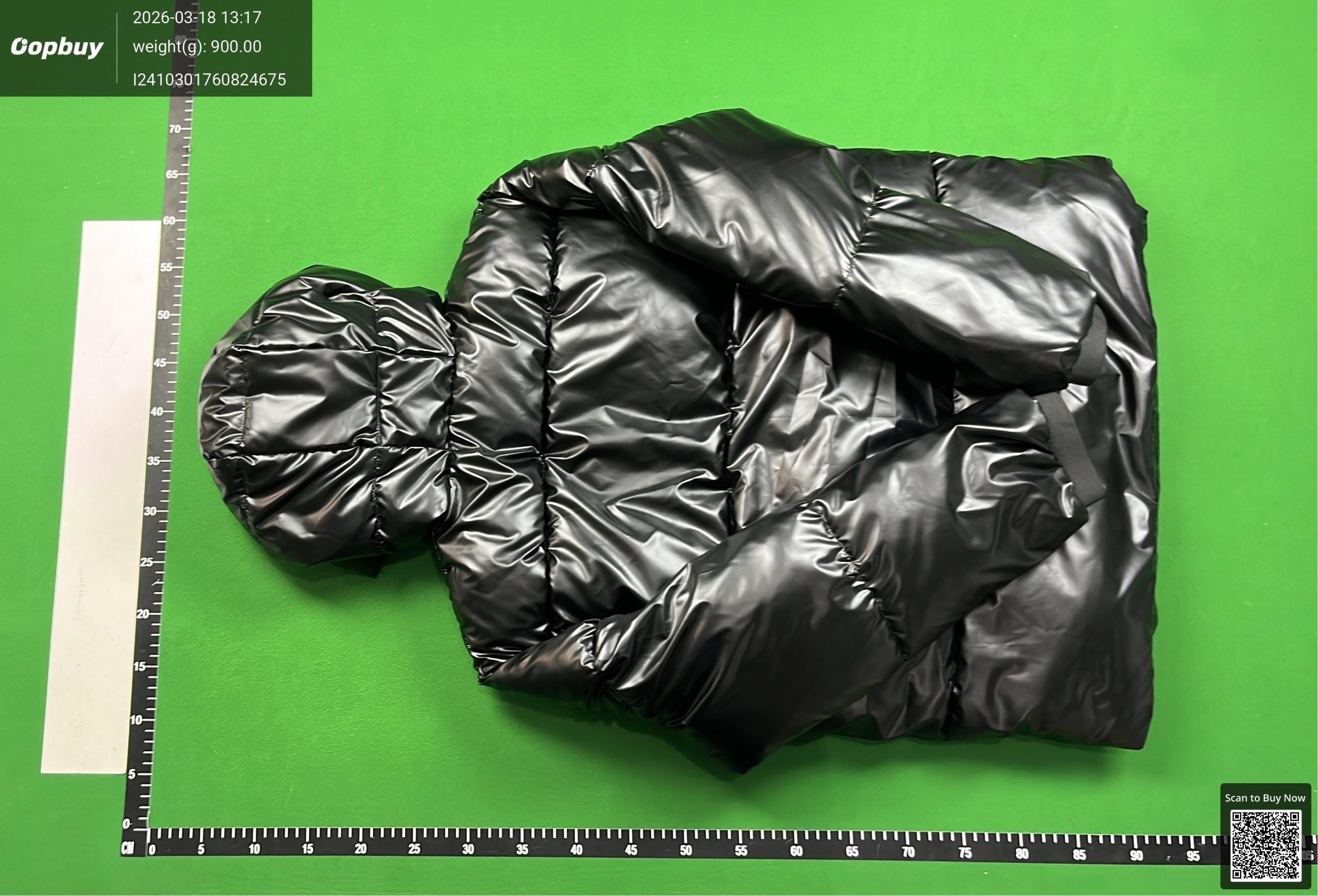
P家羽绒服scans down jacket ph34
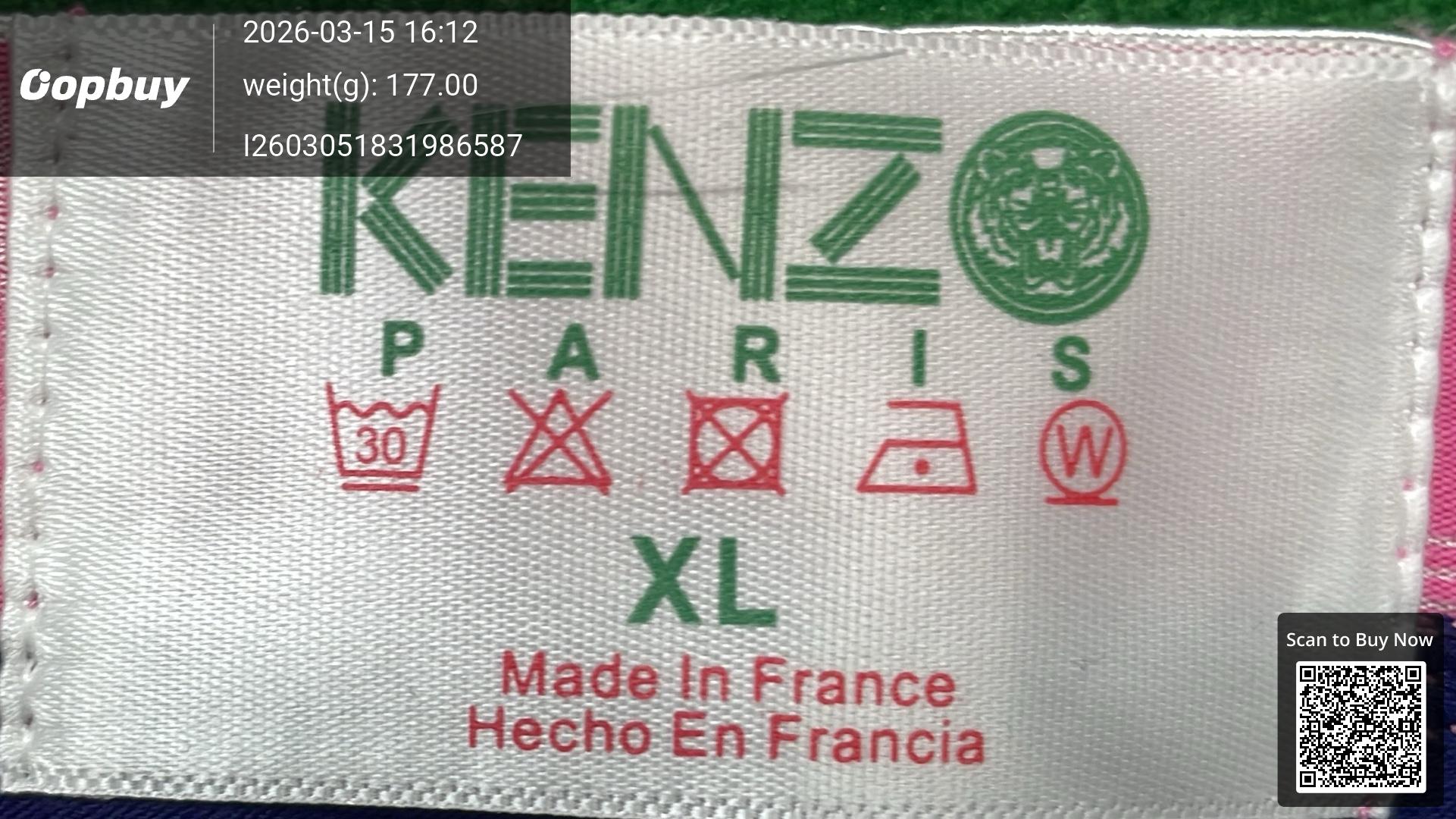
HFCC-时尚潮流内裤
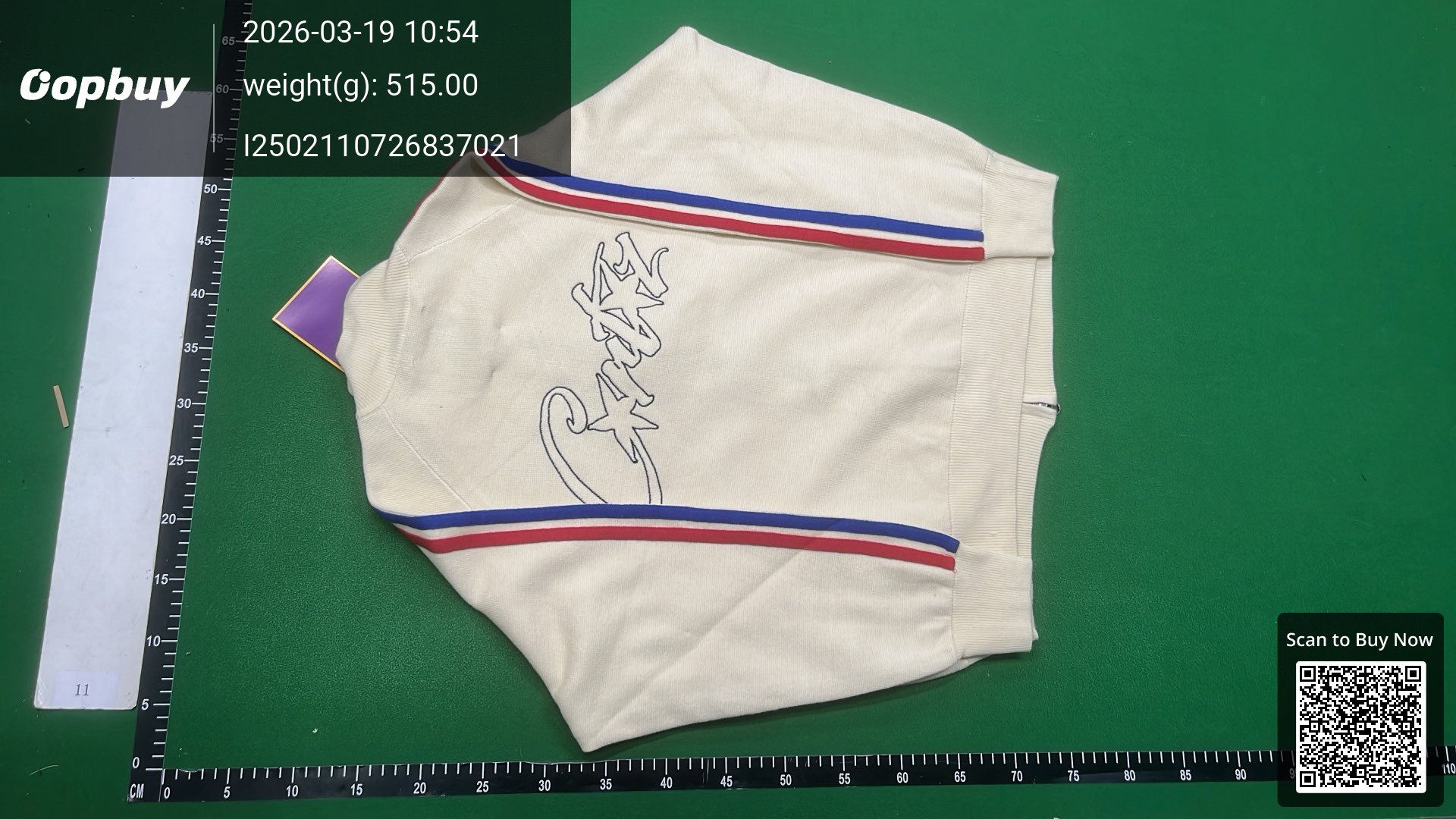
米色红蓝条羊毛开衫 C-67
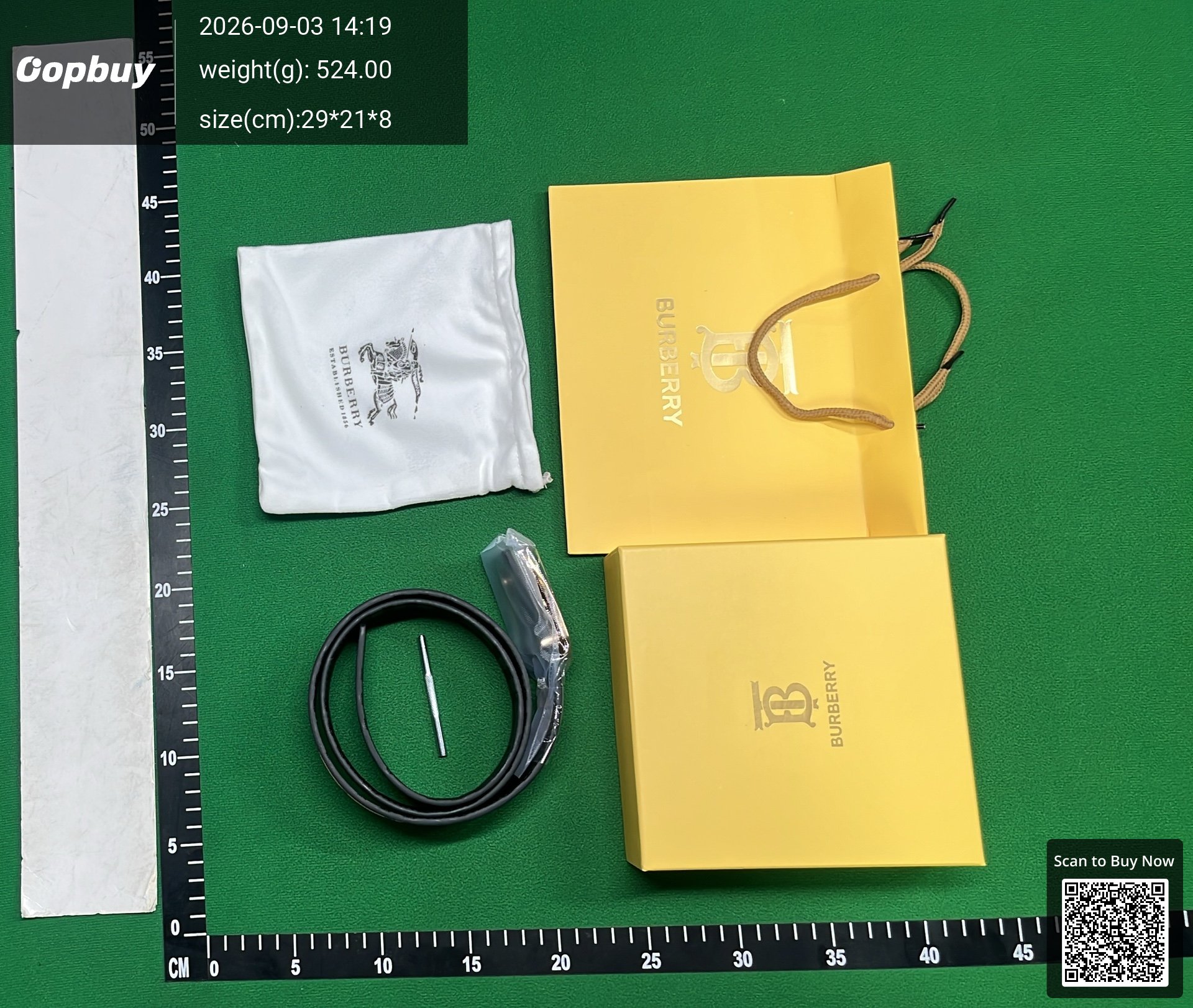
fashion belt BUR
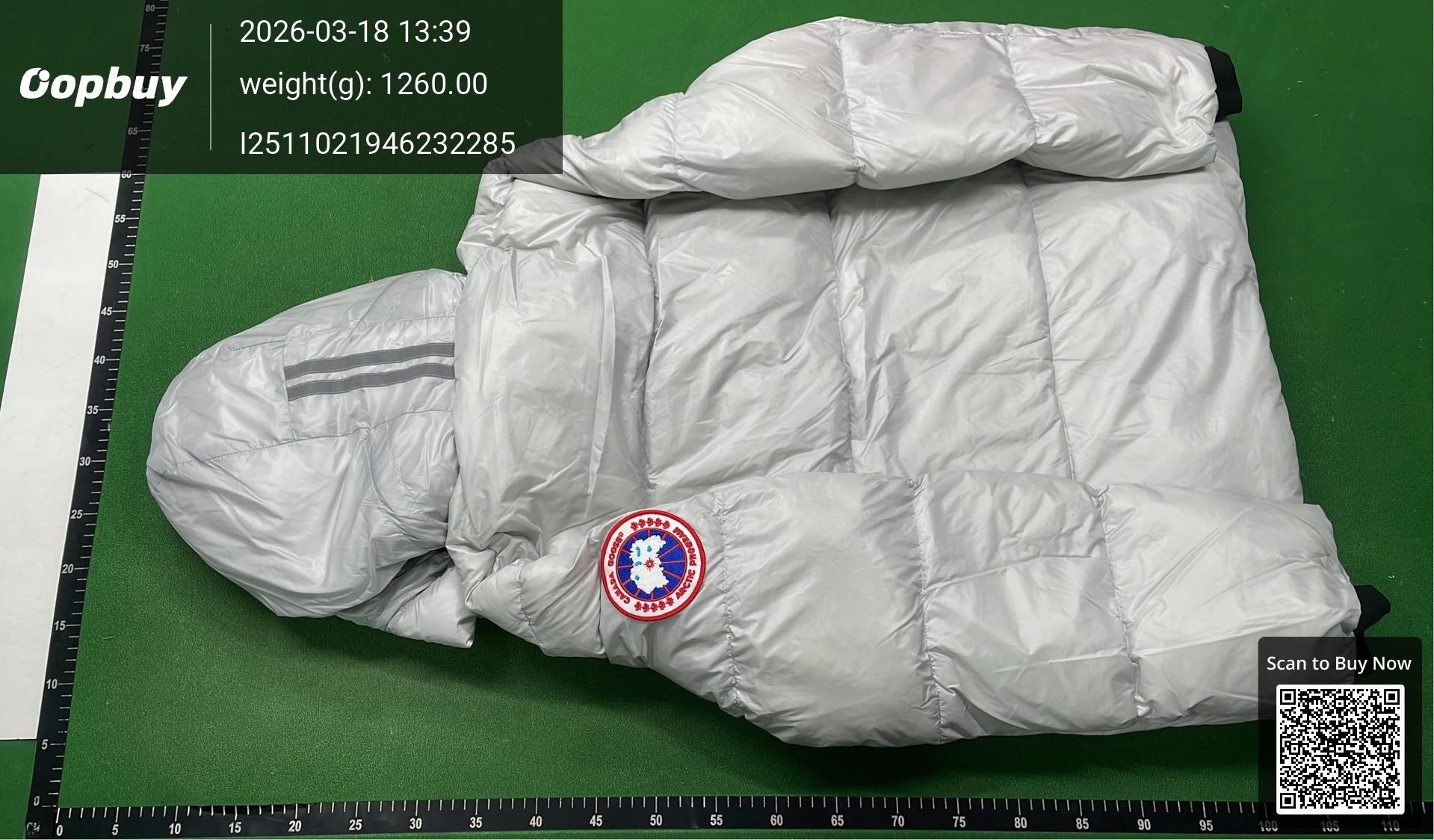
最新款Canada Crofton红标羽绒服 1:1 Use 95% White Duck Down
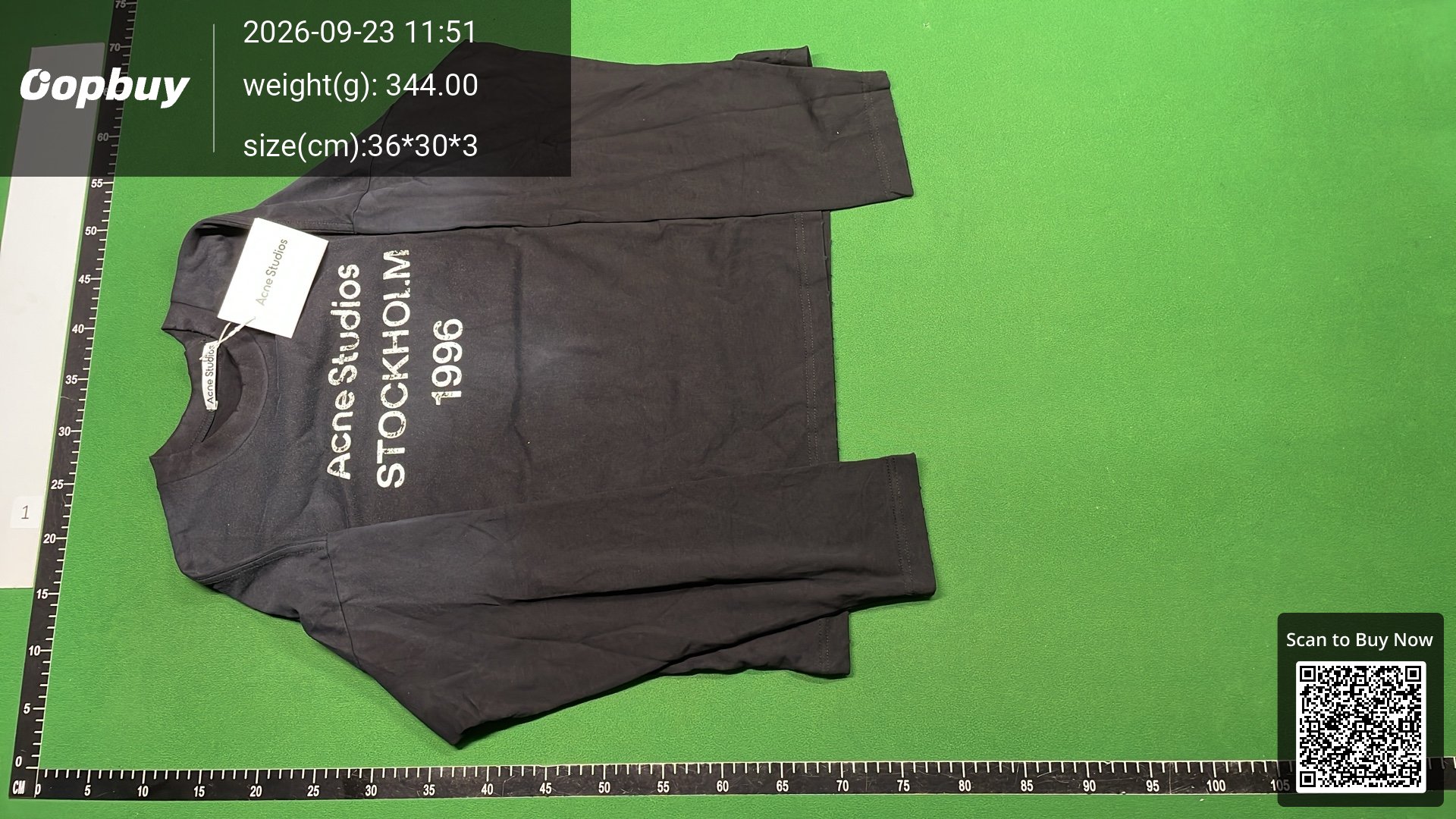
AC distressed logo letter print long sleeve t-shirt
What is a QC photo finder?
When you buy through a China shopping agent, the warehouse photographs your item during quality control (QC) before it ships, so you can approve or reject it. A QC photo finder lets you see those inspection photos for an item before you order it — by pulling the QC other buyers of the same item already received. It is the single best way to judge a rep’s quality without gambling on a blurry listing photo.
This finder resolves any supported agent link (or a raw Weidian/Taobao/1688 link) down to the underlying item, then looks up its QC photos across multiple agent sources — so one search typically returns more batches than any single agent shows. It is free and needs no account.
Batches matter more than any single photo. The same listing is often produced in several factory runs, and quality drifts between them — which is why seeing three or four different buyers’ inspection sets tells you far more than one perfect studio picture ever could. If every batch shows the same clean stitching and tags, order with confidence; if the flaws repeat, walk away before spending a cent.
Why to check before shipping
Whether you’re checking the crowd’s QC before ordering or your own warehouse photos before releasing a parcel, look at the same six things:
- 🧵Stitching — density, straightness and loose threads, especially at stress points (collars, shoulder seams, shoe toe boxes).
- 🏷️Tags & labels — font weight, spacing and print sharpness on neck tags, wash tags and box labels; these are where batches differ most.
- 🔩Hardware — zips, buttons, eyelets and buckles: engraving depth, colour match and how they sit when closed.
- 👟Shape & symmetry — for shoes: side-by-side sole shots, toe box shape, midsole glue lines; for bags: panel alignment and structure.
- 🎨Colour accuracy — compare against retail photos in neutral light; warehouse lighting is harsh, so judge relative tones, not absolute brightness.
- ✒️Logo placement — position, size and proportions versus retail; measure against a reference if you can.
A flaw that repeats across several buyers’ batches is a batch-wide problem — pick a different batch or seller. A one-off flaw is a unit problem — if it’s your own QC, ask your agent for an exchange before shipping.
How to find QC photos (3 steps)
- Copy the product link — a Weidian, Taobao or 1688 link, or any agent link (KakoBuy, Oopbuy, Hoobuy, Sugargoo…).
- Paste it into the box above and hit Find QC photos.
- Browse the inspection photos other buyers of that exact item received — check stitching, logos, colour and flaws before you order.
FAQ
How do I find QC photos for free?
Paste the product or agent link into the finder above — it returns the available QC photos for that item, free and with no sign-up.
What is the best website to check QC?
The best QC checker aggregates inspection photos across many agents instead of a single warehouse — more batches means a truer picture of how an item actually arrives. This finder pulls from multiple agent sources for any supported link.
How do I check QC photos before shipping?
Before ordering: paste the item’s link above and study other buyers’ photos. After ordering: your agent photographs your own unit at the warehouse — run it against the six-point checklist up the page before you release the parcel.
Does it work with KakoBuy, Weidian and CNFans links?
Yes — it handles all the major agents (KakoBuy, Oopbuy, Hoobuy, Sugargoo, Superbuy and more) plus raw Weidian, Taobao and 1688 links. Links from shut-down agents like CNFans and ACBuy still resolve to the live listing.
Can I find QC photos from a photo instead of a link?
Yes — hit Search by a photo and upload a screenshot or QC pic. It reverse-searches the image against the crowd QC database, shows the matching items, and pulls each one’s QC photos in a tap. No link needed.
Is this a QC checker?
Yes — a QC checker and a QC finder are the same tool. It finds the inspection photos other buyers received for an item so you can check stitching, tags, hardware and colour before you order, and the six-point checklist up the page is for judging your own QC photos after you order.
QC pic finder, QC photo finder, QC picture finder — what’s the difference?
Nothing. They are different names for the same search over the QC (quality-control) pictures agent warehouses take before shipping. This page is all of them: paste a link, or upload a pic and search by image.
Why are there no photos for my item?
QC photos only exist once someone has ordered and had that exact item inspected. Newer or niche items may not have any yet — check back in a few days, or upload your own QC photos to get sized on the size estimator.
QC finder for any agents
Each agent shows you QC photos only for your own orders — the finder works for all of them, before you order. Agent-specific guides: